Best AI Roblox Video Generators 2026 — Free Tools Compared
Compare the best AI Roblox video generators in 2026. Create viral Roblox videos with AI voiceover, parkour backgrounds, and automated editing. inReels, Revid.ai, and StoryShort.ai compared.
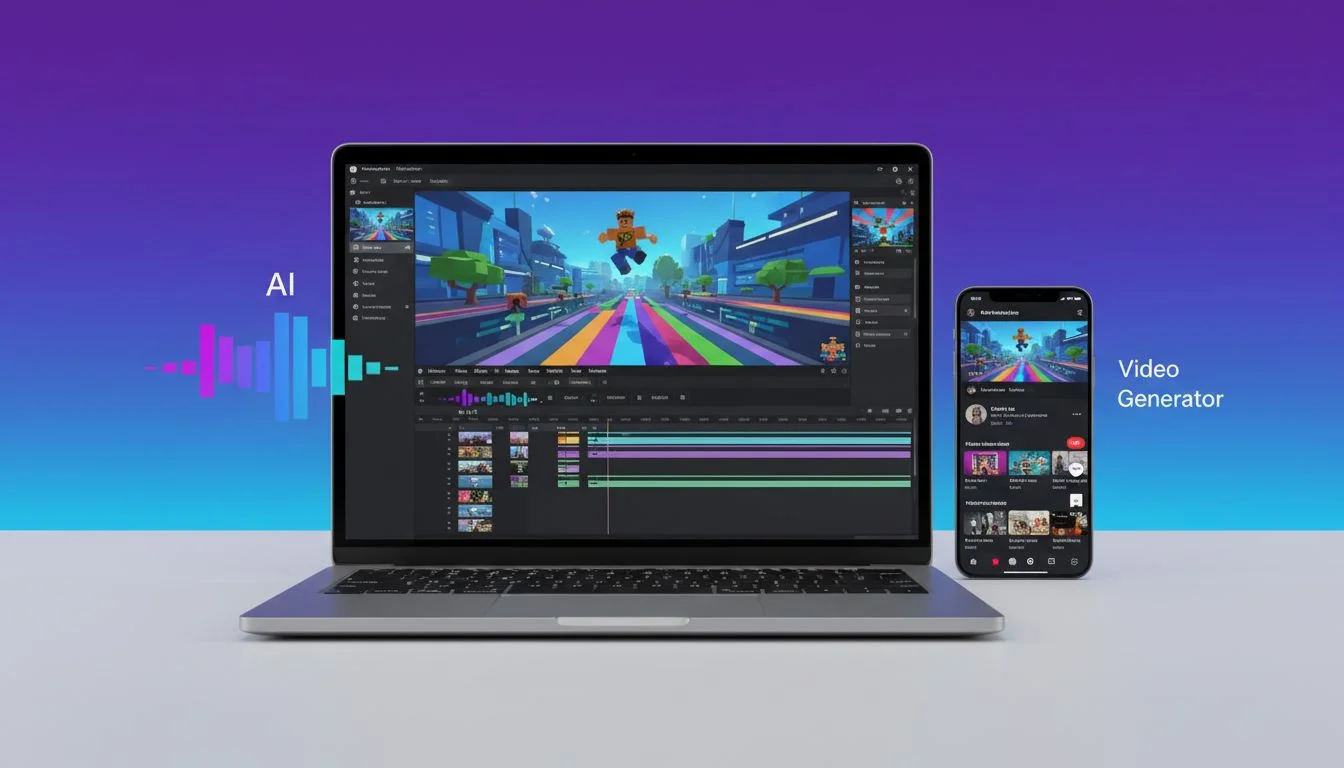
Table of Contents
Roblox videos are dominating short-form platforms with 1 trillion+ YouTube views and 1 in 5 TikTok gaming videos featuring Roblox content. Creating these videos traditionally requires recording gameplay, editing footage, adding voiceovers, and syncing captions—a process that takes 30-60 minutes per video.
AI Roblox video generators automate this workflow. You provide text or a script, and the tool generates a complete video with Roblox gameplay backgrounds, AI voiceover narration, and synced captions in 2-5 minutes.
What Are AI Roblox Video Generators?
These tools create videos with Roblox Parkour gameplay in the background while AI narrates your script with auto-generated captions on top. The format works for storytelling, tutorials, facts, and educational content—the same style dominating TikTok and YouTube Shorts.
Who Should Use These Tools?
- Content creators building faceless TikTok or YouTube Shorts channels
- Storytellers creating narrated content with engaging gameplay backgrounds
- Educators making tutorial or educational videos
- Marketers testing Roblox-themed content for younger audiences
Related: What Are Roblox Videos & Why They're Going Viral - Understand Roblox video trends first.
Quick Comparison: AI Roblox Video Generators
Here's a comparison of AI tools that support Roblox background videos:
| Tool | Free Plan | Best For | Generation Speed | Key Feature |
|---|---|---|---|---|
| inReels | Yes (1 min limit) | Daily creators, quality output | 2-3 min | Founder support, 25+ caption styles |
| Revid.ai | Paid ($39+/mo) | Auto-mode workers | 3-5 min | Viral inspiration from 3M+ TikToks |
| StoryShort.ai | Limited free tier | Story automation | 3-5 min | Customizable captions |
| Ulazai | Limited | Generic video gen | 3-5 min | Uses Veo3 (8 sec max) |
Note: Pricing changes frequently. Check official websites for current rates.
1. inReels - Best Free Roblox Video Generator
inReels is a free AI video generator that creates videos with Roblox Parkour, Minecraft Parkour, or Subway Surfers gameplay backgrounds, AI voiceover, and auto-generated captions.
Key Features
- Free to use - No credit card required to start
- Roblox Parkour backgrounds - Also supports Minecraft Parkour and Subway Surfers
- AI voiceover with natural-sounding voices
- Auto-generated captions synced with voiceover
- Text-to-video or PDF-to-video input
- HD export for TikTok, YouTube Shorts, Instagram Reels
- Fast generation - 2-3 minutes from script to video
How It Works
- Paste your text or upload a PDF
- Choose background (Roblox Parkour, Minecraft, or Subway Surfers)
- Select AI voice
- Generate video
- Download and post
Best Use Cases
- Storytelling - Reddit stories, true crime, personal narratives
- Educational content - Facts, tutorials, explanations
- Motivational videos - Quotes, mindset tips
- Repurposed content - Convert blog posts or PDFs into videos
Pricing
- Free tier - Start creating immediately
- Paid plans - Check current pricing
What's Included
Free tier:
- Limited to 1 minute videos
- Basic features to test the platform
Paid subscription ($15-39/mo):
- All gameplay styles (Roblox, Minecraft, Subway Surfers)
- 25+ caption styles
- Multiple AI voiceover options
- Unlimited video length
- PDF-to-video feature
- Series creation and scheduling
- Direct founder support
- Dynamic gameplay (in development)
When to Choose inReels
Choose inReels if you're:
- Just starting with Roblox content creation
- Need a free tool to test the format
- Posting daily or multiple times per week
- Creating storytelling, educational, or motivational content
2. Revid.ai - Best for Auto-Publishing & Series
Revid.ai creates Roblox voice chat videos with AI voiceover, captions, and music. It includes auto-publishing to TikTok and YouTube, making it ideal for creators who want automation.
Key Features
- Roblox voice chat video generation from text
- Script generation with AI
- Auto-publishing to TikTok and YouTube
- Auto-mode workers for hands-free content creation
- Viral inspiration from 3M+ TikToks
- Intuitive editing tools
Best Use Cases
- Automated series posting
- Faceless Roblox content channels
- Creators who want hands-free publishing
Pricing
Plans start at $39/month. Check current pricing
What's Included
Pricing starts at $39/month
Features:
- Roblox voice chat video generation
- Script generation with AI
- Auto-mode workers for content creation
- Viral inspiration from 3M+ TikToks
- Intuitive editing tools
When to Choose Revid.ai
Choose Revid.ai if you:
- Want auto-mode workers for hands-free content creation
- Need viral inspiration from millions of TikToks
- Prefer script generation with AI assistance
3. StoryShort.ai - Best for Story Videos
StoryShort.ai specializes in text-to-video for story-driven content. While it doesn't have explicit Roblox backgrounds, it supports faceless videos adaptable to Roblox themes.
Key Features
- Script generation with AI
- Style, voice, and background selection
- AI voiceovers (ElevenLabs, OpenAI)
- Customizable captions
- Background music libraries
- Auto-posting and series creation
Best Use Cases
- Story-based content
- ASMR videos
- Series automation
- Faceless content for TikTok/YouTube Shorts
Pricing
Plans start at $39/month for 40 videos. Check current pricing
What's Included
Pricing starts at $39/month for 40 videos
Features:
- Gameplay background videos with voiceover
- Script generation with AI
- Style, voice, and background selection
- AI voiceovers (ElevenLabs, OpenAI)
- Customizable captions
- Background music libraries
- Auto-posting and series creation
- Short-form video optimization
Note: Requires login to access. Limited free tier available for testing.
When to Choose StoryShort.ai
Choose StoryShort.ai if you:
- Create short-form story videos
- Need series automation and auto-posting
- Want customizable caption styles
4. Ulazai - Generic Text-to-Video (Not Roblox-Specific)
Ulazai is a generic text-to-video generator using Google Veo3. It's not Roblox-specific but can create short video clips from text prompts.
Key Features
- Text-to-video using Google Veo3
- 8-second maximum video length
- High-quality video generation with sound
- Credit-based pricing
Limitations
- 8 seconds max per clip (Veo3 limitation)
- Not Roblox-specific - requires custom prompts
- Credit-based pricing (expensive for volume)
When to Consider Ulazai
Only consider Ulazai if you:
- Need generic short video clips (not Roblox-specific)
- Are comfortable with 8-second limit
- Want to experiment with Veo3 technology
Note: For Roblox content specifically, inReels, Revid.ai, or StoryShort.ai are better choices.
How to Choose the Right Tool for Your Needs
Choose Based on Your Priorities
Quality output with direct founder support:
→ inReels - High-quality videos, responsive support, 25+ caption styles
Viral content inspiration:
→ Revid.ai - Access to 3M+ TikToks for inspiration, auto-mode workers
Story-focused automation:
→ StoryShort.ai - Series creation, customizable captions
Experimental/testing:
→ Ulazai - Generic text-to-video with Veo3 technology
What Makes inReels Stand Out
Quality focus:
- Professional output optimized for social platforms
- 25+ caption styles for visual variety
- Multiple gameplay backgrounds (Roblox, Minecraft, Subway Surfers)
Creator support:
- Direct access to the founder
- Responsive to feature requests
- Community-driven development
Flexibility:
- Free tier to test the platform
- Series creation and scheduling included
- PDF-to-video for content repurposing
FAQ
What is an AI Roblox video generator?
An AI Roblox video generator creates videos with Roblox Parkour gameplay in the background, AI voiceover narration, and auto-generated captions. You provide text, and the tool handles video creation, voiceover, and captioning automatically.
Do I need to play Roblox to create videos with AI?
No. AI Roblox video generators use pre-recorded Roblox Parkour gameplay as backgrounds. You simply provide text, and the tool creates the complete video without requiring you to play the game.
Are AI Roblox videos safe for commercial use?
Tools like inReels, Revid.ai, and StoryShort.ai offer commercial-use licenses on their plans. Always check each tool's specific licensing terms before monetizing content.
Which AI Roblox video generator is best for beginners?
inReels is best for beginners because it's free, simple to use, and generates videos in 2-3 minutes with zero learning curve.
How much do AI Roblox video generators cost?
- inReels: Free tier available
- Revid.ai: Starting at $39/month
- StoryShort.ai: Starting at $39/month
- Ulazai: Credit-based pricing
Pricing changes frequently. Check official websites for current rates.
Can AI Roblox videos go viral on TikTok and YouTube Shorts?
Yes. The Roblox background + narration format consistently gets 1-10 million views on TikTok and YouTube Shorts. Success depends on hooks, trending audio, and posting consistency, not whether the video was AI-generated.
Start Creating AI Roblox Videos Today
AI Roblox video generators have made content creation accessible to everyone. What used to take 30-60 minutes now takes 2-5 minutes with automated tools.
Key Takeaways
Best free option: inReels - Start creating immediately without cost
Best for automation: Revid.ai - Auto-publishing and series features
Best for stories: StoryShort.ai - Story-focused with series automation
Your Next Steps
- Start with inReels - Free tier, no credit card required
- Create 5-10 test videos to learn what resonates
- Post daily for 30 days to build momentum
- Upgrade to paid tools if you need automation features
Ready to Create Your First Roblox Video?
Try inReels Free - No Credit Card Required →
Generate your first AI Roblox video in under 5 minutes and see if this format works for your content strategy.
Related Guides
- What Are Roblox Videos & Why They're Going Viral - Understand Roblox video trends
- How to Create Brainrot Videos - Full tutorial on the viral format
- Faceless TikTok Ideas - 50+ content ideas
- inReels vs dzine.ai - Compare AI video generators
Start Creating Video Ads Today
Create UGC-style video ads in minutes. No creators, no waiting, no expensive production. Perfect for TikTok, Instagram Reels, YouTube Shorts, and more.
Try inReels Free →No credit card required