Shopify Video Ads with AI — Complete Guide for 2026
How to create Shopify video ads that convert in 2026. AI workflows, platform specs, budget strategy, and the fastest way to go from product URL to finished video ad.
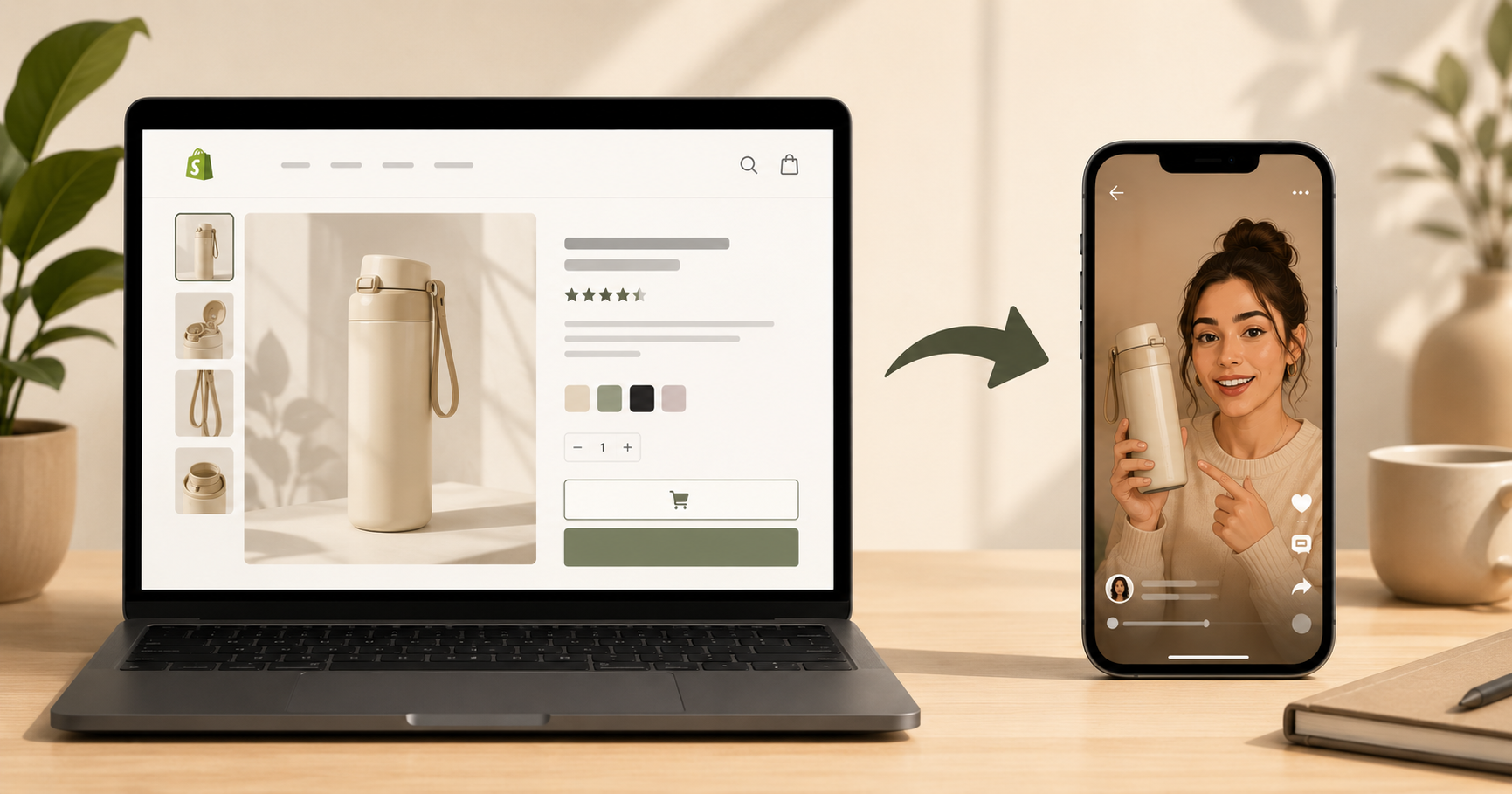
Table of Contents
Why Shopify Store Owners Need Video Ads in 2026
Video ads convert at 2 to 3x the rate of static image ads for Shopify stores running paid social. On Meta, video creatives consistently outperform carousels and single images for cold audiences. On TikTok, video is the only format. And with AI, a Shopify store owner can go from a product URL to a finished video ad in under 10 minutes with no production budget, no creator, no agency.
This guide covers everything a Shopify store owner needs to know: which platforms to run video ads on, what specs and formats each requires, how to create video ads with AI using your product URL or images, and what budget to start with. If you want to understand the AI creation process in depth, the step by step guide to creating UGC ads with AI covers the full workflow. This guide focuses specifically on Shopify stores and the platforms they run ads on.
Which Platforms Should Shopify Stores Run Video Ads On?
The answer depends on your product, your margin, and your audience. Here is an honest breakdown of where video ads work for Shopify stores in 2026.
Meta (Facebook and Instagram) — Start here
Meta is still the highest-ROI platform for most Shopify stores, especially for products targeting audiences 25 and older. The reason is data. Meta's pixel has years of purchase behavior to target against, and Advantage+ Shopping campaigns automate placement and audience in ways that consistently beat manual targeting for new stores.
For video ads on Meta, UGC-style vertical video in 9:16 consistently outperforms studio-produced horizontal content. The algorithm favors content that keeps people on the platform, and authentic-looking videos do that better than polished brand ads.
TikTok — Best for trend-driven and impulse products
TikTok is the fastest-growing paid social channel for Shopify stores selling to audiences under 35. The creative bar is different, with the content needing to feel native to TikTok, not repurposed from Instagram. TikTok Shop integration also allows in-video purchasing which reduces friction significantly for the right products.
The limitation: TikTok's attribution and pixel are less mature than Meta's, making ROAS harder to measure accurately. Start with Meta, add TikTok once you have winning creatives to adapt.
YouTube (Google Video Ads) — Best for considered purchases
YouTube Shorts ads and in-stream ads work well for products where the buyer needs more information before purchasing, like supplements with ingredient explanations, tech products, higher-ticket items. The audience is broader and the targeting is keyword-based rather than interest-based, which works differently than Meta.
Where to start: Meta first, TikTok second. Most Shopify stores find their first profitable video ad campaigns on Meta before expanding.
What Are the Video Ad Specs for Each Platform?
Getting specs wrong means your ad gets rejected or renders badly. Here are the correct specs for 2026.
Meta (Facebook and Instagram):
| Placement | Aspect Ratio | Resolution | Max Length | File Size |
|---|---|---|---|---|
| Instagram Reels | 9:16 | 1080x1920 | 90 seconds | 4GB |
| Instagram Stories | 9:16 | 1080x1920 | 60 seconds | 4GB |
| Facebook Reels | 9:16 | 1080x1920 | 90 seconds | 4GB |
| Facebook Feed | 1:1 or 4:5 | 1080x1080 | 240 minutes | 4GB |
| Facebook Stories | 9:16 | 1080x1920 | 15 seconds | 4GB |
For Shopify video ads running across all Meta placements, the practical approach is to produce in 9:16 (vertical) and let Meta adapt it to other placements. Most of your impressions will come from Reels and Stories anyway.
TikTok:
| Format | Aspect Ratio | Resolution | Max Length | File Type |
|---|---|---|---|---|
| In-Feed Ad | 9:16 | 720x1280 minimum | 60 seconds (9-15s recommended) | MP4 or MOV |
| TopView | 9:16 | 720x1280 minimum | 60 seconds | MP4 or MOV |
| Spark Ad | Matches organic post | Matches organic post | Matches organic post | Existing TikTok post |
YouTube Shorts:
| Format | Aspect Ratio | Resolution | Max Length | Notes |
|---|---|---|---|---|
| Shorts Ad | 9:16 | 1080x1920 | 60 seconds | Non-skippable under 15s |
| In-Stream | 16:9 | 1920x1080 | No limit | Skippable after 5s |
The practical takeaway: produce all your Shopify video ads in 9:16 at 1080x1920. This format works across every major platform and placement without needing to re-crop.
How Do You Create Shopify Video Ads with AI?
The fastest way to go from a Shopify product to a finished video ad is the URL-to-ad workflow. You paste your Shopify product page URL into an AI ad tool, the tool extracts your product name, images, and description, generates a script, pairs it with an AI avatar, and produces a finished video.
The URL-to-ad workflow on inReels:
- Go to inReels and paste your Shopify product URL
- The tool extracts your product name, images, price, and description automatically
- Review and edit the AI-generated script, making sure the hook is specific to your product's real benefit
- Select an avatar that matches your target customer demographically
- Generate the video which takes 3 to 5 minutes
- Add captions (non-negotiable for Meta and TikTok, as 85% of viewers watch without sound)
- Export in 9:16, download, upload to your ad account
The full URL-to-ad process is covered in detail in the how to turn a product URL into a video ad guide, including how to handle products that have multiple variants or limited image quality.
What if your product images are not great?
AI ad tools work best with clean, well-lit product photos. If your current Shopify product photos are on a cluttered background or poorly lit, the AI has less to work with. The fastest fix for Shopify is to use a white or neutral background image — even a photo taken on a white piece of paper in natural light will outperform a dark or busy background image in the AI output.
Creating multiple variations fast:
For creative testing on Meta, you want at least 3 to 5 hook variations per product. With AI, this takes 20 to 30 minutes total. Keep the avatar, product, and CTA the same across all variations and only change the first 3 seconds. This gives you clean data on which hook your audience responds to without confounding variables.
What Video Ad Formats Work Best for Shopify Stores?
The format that converts best depends on the product category and the audience temperature. Here is what consistently works for Shopify stores.
UGC-Style Talking Head (best for cold audiences)
An AI avatar holds your product and talks about it in first person. This is the format that consistently generates the highest CTR for cold audiences because it looks like organic content rather than an ad. The talking head ads guide covers exactly why this format works and how to script it.
Best for: skincare, supplements, accessories, fashion, home goods — any product where a personal endorsement is the natural way to sell it.
Product Showcase (best for visual products)
A cinematic close-up video of the product with ambient audio and text overlays. No avatar, just the product in a compelling context, such as a skincare serum on a marble surface, a sneaker rotating on a pedestal, a kitchen gadget in use. Works best on Instagram Feed and Meta carousel.
Best for: fashion, jewelry, home decor, beauty, any product where the visual itself sells.
Before and After (best for transformation products)
Two-part ad showing the problem state and the result. Can be done with an AI avatar narrating both sides, or as a split-screen visual. This is the highest-converting format for products with a clear, demonstrable result.
Best for: skincare, fitness, cleaning products, organizational tools, anything with a visible outcome.
The practical recommendation for a new Shopify store:
Start with the UGC talking head format. It is the most versatile, works on every platform, and consistently performs well for cold audiences who do not know your brand yet. Generate 3 hook variations, run them at $10 per day each on Meta, and scale the winner. The UGC ad examples and formats guide has 15 format templates with script structures if you want more options.
What Budget Do You Need to Run Shopify Video Ads?
The honest answer: you can get meaningful data with $200 to $500 in total ad spend. Here is how to allocate it.
Phase 1 — Creative testing ($150 to $300)
Run 3 hook variations at $10 to $20 per day each for 3 to 5 days. You are looking for the variation that generates the lowest cost per click and the highest watch time. You do not need a sale in this phase, as you are buying data, not revenue.
At $10 per day per variation with 3 variations: $30 per day for 5 days = $150 total. This is enough to identify a winning hook with statistical confidence on Meta.
Phase 2 — Scaling the winner ($200 to $500)
Take the winning hook variation and increase daily budget to $30 to $50 per day. Watch cost per purchase. If the ROAS is above 2x, continue scaling. If not, iterate on the script or test different product angles.
Budget allocation by platform:
| Platform | Minimum daily budget | Recommended start |
|---|---|---|
| Meta (Facebook/Instagram) | $5/day | $20/day |
| TikTok | $20/day minimum | $30/day |
| YouTube | $10/day | $20/day |
Start with Meta. The minimum viable budget to get meaningful data on Meta is $20 per day. TikTok requires a higher minimum spend to exit the learning phase, so do not start there until you have a proven creative from Meta to adapt.
Production cost vs media cost:
Using AI for production, your Shopify video ad budget breakdown looks like this:
| Item | Cost |
|---|---|
| AI tool subscription (inReels) | $9 to $50/month |
| Video production (3-5 variations) | Included in subscription |
| Meta ad spend (testing phase) | $150 to $300 |
| Meta ad spend (scaling phase) | $500 to $2,000/month |
Total to get your first data point: under $200. Total to find a profitable campaign: $300 to $600 in most product categories.
Frequently Asked Questions
Do I need a Shopify app to run video ads?
No. You run video ads through the ad platform directly — Meta Ads Manager for Facebook and Instagram, TikTok Ads Manager for TikTok. You do not need to install anything in your Shopify store to create or run the ads. The only Shopify-side requirement is having the Meta pixel or TikTok pixel installed, which tracks purchases and enables retargeting.
How long should Shopify video ads be?
For cold audiences on Meta and TikTok, 15 to 30 seconds is the sweet spot. This is long enough to deliver a hook, problem, solution, and CTA, the four-part structure that consistently converts without losing viewers before the payoff. For retargeting audiences who already know your product, 15 seconds or less often works better.
Can I use AI-generated video ads on Meta without issues?
Yes. Meta allows AI-generated content in ads. As of mid-2026, Meta's guidance requires a disclosure label on AI-generated content that could be mistaken for a real person. This is added in Ads Manager and has not shown a material impact on performance. Always check Meta's current policies as these update regularly.
What is the best ad format for a new Shopify store with no social proof?
The problem-first UGC talking head format works best when you have no reviews or social proof yet. Instead of leading with testimonials you do not have, lead with the problem your product solves, something the viewer already knows and agrees with. The product is the solution to a problem they recognize, not a product being endorsed by strangers. This removes the social proof dependency.
Should I use Advantage+ Shopping campaigns or manual targeting?
For most new Shopify stores, Advantage+ Shopping campaigns (ASC) outperform manual targeting because Meta's algorithm has more data to work with across a broader audience. The tradeoff is less control over who sees your ads. Start with ASC, broad targeting, 3 to 5 creative variations, and let the algorithm find the buyers. Once you are spending $100 per day or more, manual campaigns can be worth testing alongside ASC.
How many video ad variations should I create per product?
Start with 3 to 5 variations testing different hooks. Keep everything else constant and only change the first 3 seconds. The difference in CTR between the best and worst hook in a batch is typically 2x to 4x so finding the right hook through testing is usually more impactful than any other optimization. The UGC ad KPI benchmarks guide covers what to measure in the first 48 hours to identify the winner.
Create Your First Shopify Video Ad in Under 10 Minutes
Paste your Shopify product URL into inReels and the platform extracts your product details, generates a script, pairs it with an AI avatar, and produces a finished 9:16 video ad ready to upload to Meta or TikTok. Plans start at $9 per month.
The free AI UGC video generator lets you test the output quality before committing to a plan.
For the full video ad creation process end to end, the step by step guide to creating UGC ads with AI covers scripts, avatars, voiceovers, and export settings. For the 15 formats that convert, the UGC ad examples guide has script structures for each one.
Start Creating Video Ads Today
Create UGC-style video ads in minutes. No creators, no waiting, no expensive production. Perfect for TikTok, Instagram Reels, YouTube Shorts, and more.
Try inReels Free →No credit card required